
Features
Everything she keeps track of, so you don't have to.
One calm read each morning, your school emails read for you, and a quiet way to catch anything before it slips — all on your say-so, never without it.

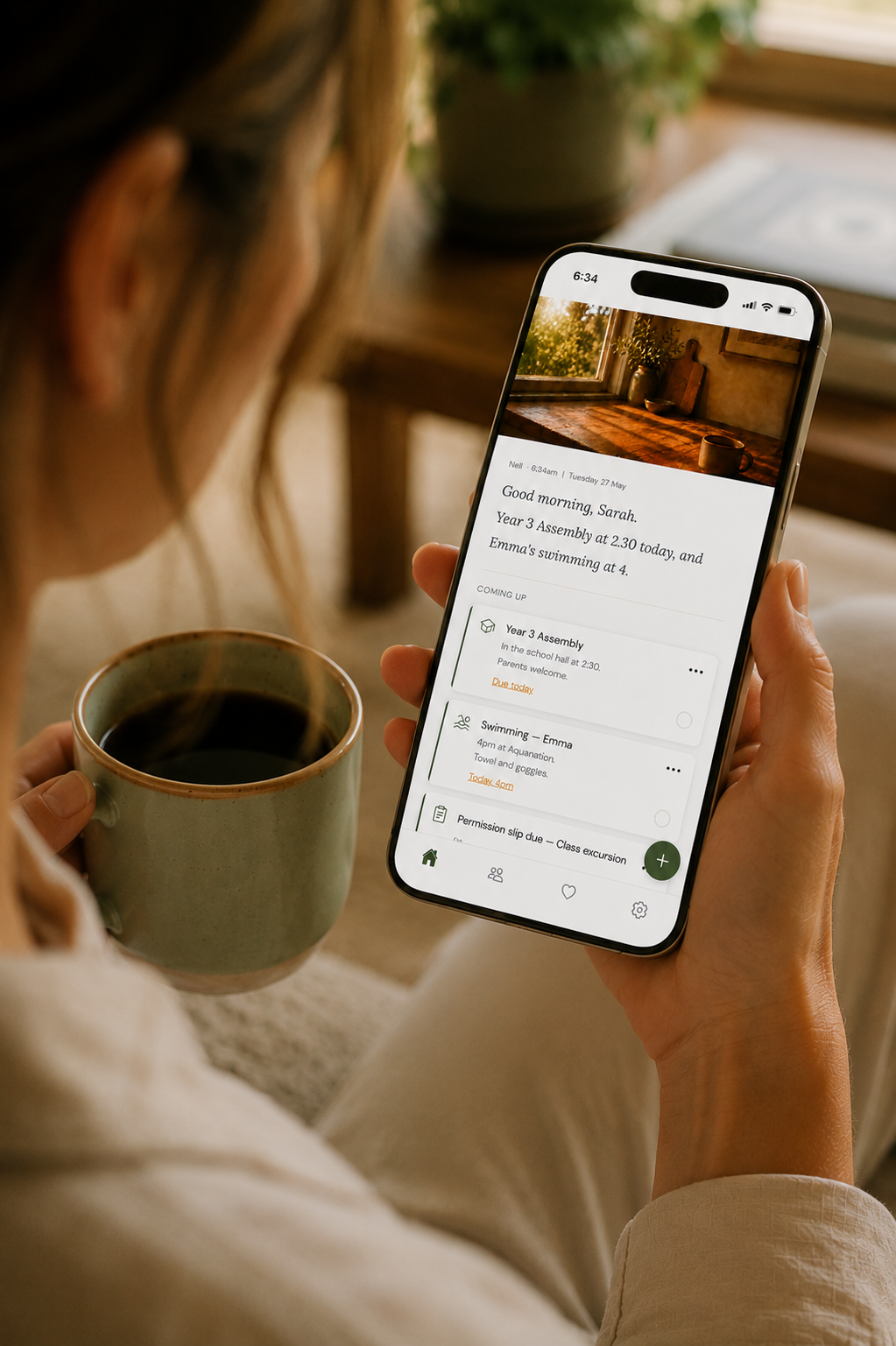
Good morning, Sarah. Emma has library today, and Liam's got the swimming carnival tomorrow.
One calm read each morning
The day, in one short message.
At a time you choose, she gathers what's on for today and tomorrow into one short brief — who's got what, what's due, what's coming up. It reads like a text from a friend, not a system alert.
There's an optional heads-up around five in the afternoon for what tomorrow holds, and if you want a fresh read any time, just pull down for a new one.

And she reads your school emails
The dates and forms, pulled out for you.
Connect Outlook or Gmail with a secure, read-only sign-in. She looks through your inbox at 6am and 6pm for the dates, forms, permission slips and notices that match the keywords you set.
She never sees your password and never stores your emails. She takes out what matters, then lets the rest go.
Capture it any way
However it reaches you, get it out of your head.
Tap the plus, choose how, and she sorts it onto the right place.
Voice
Tap the plus, then the mic, and just talk. Say it the way you'd say it to a friend — she'll make sense of it.
Photo
Tap the plus, then the camera. A flyer, a screenshot, a birthday invitation, a note from the bottom of the bag — she reads it.
Type
Tap the plus, then the pencil. Jot a quick note and add a date if it has one. She files it where it belongs.

Nothing lands without your say-so
You're always the one who decides.
Anything she finds in your email, or that a family member adds, waits under "Waiting for your approval" with the date — so you can see when it's on before you decide.
Tap Add to keep it, or Dismiss to let it go. Dismissed things sit in Recently Removed for a week, in case you change your mind. Your own voice, photo and typed notes go straight on — only found and family items wait.
Your list, sorted by when it's due
What's on, in the order it's coming.
Today and tomorrow first, the rest of the week next, and anything more than a week off tucked under "Further ahead". Overdue gets its own spot, and anything important sits up top.
Make anything repeat — weekly, fortnightly or monthly — and the next one's set the moment you tick it off. Lock anything private, and send any card to your phone's calendar.
The whole family, in sync
Hand things over without losing track of them.
Invite your partner or the kids with a code. Whatever they add comes to you first.
Their own simple view
They see what you've handed them, the week's schedule, and the kids' details — nothing more, nothing to wade through.
Hand a job over with Assign
It lands in their app, and they can tap "I'm on it" or mark it done. You stay in the loop the whole way through.
It still comes to you first
Whatever a family member adds waits for your approval, the same as anything else. The list stays yours.
Privacy is the foundation
Private by design.
She reads only the mail you point her to, never stores your emails, and nothing reaches your list — or your family — until you say so. Your family's business stays your family's business.
Put the mental load down.
Mum's Assistant keeps track of it all, quietly, in the background — so you can get your head back.