
Launching soon on iPhone
Everything you're carrying, quietly handled.
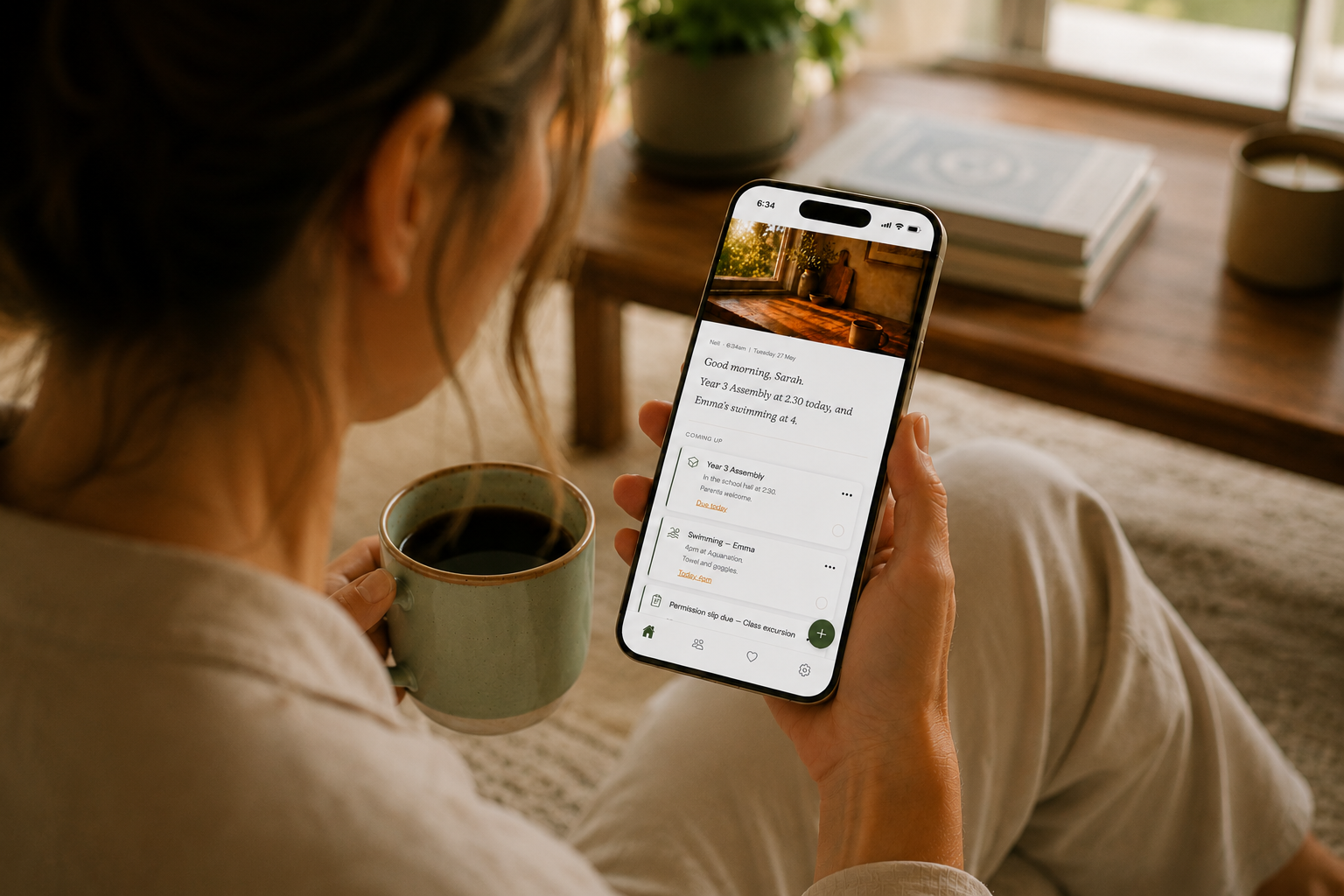
Mum's Assistant reads your school emails, catches the dates, forms and permission slips, and hands you one calm brief each morning — so it doesn't all have to live in your head.
Private by design. You approve everything — nothing's added to your day without your say-so.

The mental load
You're the one who remembers everything.
The excursion form due Friday. Crazy hair day. The assembly you said you'd come to. The reply buried three deep in a class email. It's not one big job — it's a hundred small ones, and they all live in your head. Mum's Assistant is where you finally put it down.
How it works
Set it up once, and she takes it from there.
No new system to learn, no lists to keep on top of. She works from the emails you already get.
Connect your inbox
Link your email — Outlook or Gmail — with a secure sign-in. It's read-only: she never sees your password, and you can disconnect any time.
She reads it for you
Your assistant goes through the dates, forms, events and to-dos that matter — and skips all the noise.
You approve. She remembers
Nothing lands on your list until you tap "Add". From there, she keeps the dates and reminds you in good time.
What you wake up to
It reads like a text from someone who's got you.
Your brief · Tuesday
"Morning, Sarah. Quiet one today. Ellie's got library, so the book bag needs to go in. There's a permission slip for the zoo excursion due Friday — I've set a reminder for Thursday night. And it's your dad's birthday on the weekend. That's it from me."
You even name her. (Most mums call theirs Nell.)
See it in action
A minute with Mum's Assistant.
Get your head back.
Mum's Assistant is launching soon on iPhone. Be one of the first to put the mental load down.